Nano2
Pre-Installed with the officialFreePBX® 17 on Debian 12 OS
£15
Monthly
 London (LON1)

Micro4
Pre-Installed with the officialFreePBX® 17 on Debian 12 OS
£30
Monthly

Macro8
Pre-Installed with the officialFreePBX® 17 on Debian 12 OS
£60
Monthly
Mega16
Pre-Installed with the officialFreePBX® 17 on Debian 12 OS
£120
Monthly
01
Starts a powered-off instance. Available when the instance is in a powered-off state. The Droplet boots in seconds and services start automatically. Your IP address is preserved across power cycles.

02
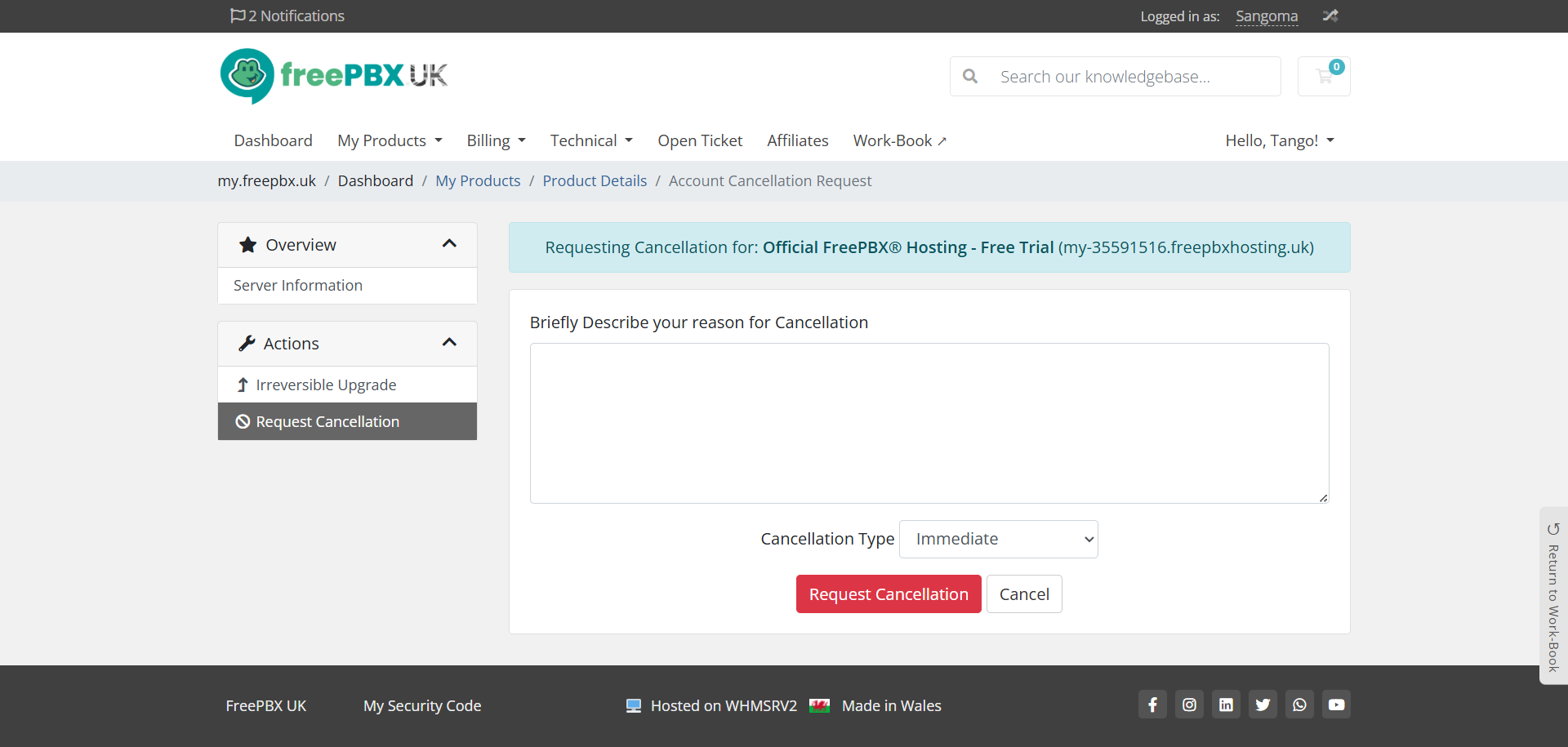
Performs a graceful shutdown of the instance. Services stop cleanly before the Droplet powers down. A powered-off instance continues to be billed at the standard rate; DigitalOcean bills for the reserved resources, not runtime. Use Cancellation if you want to stop billing.

03
Cleanly restarts the instance. Equivalent to running a graceful reboot from inside the VM. Services stop, the OS restarts, and FreePBX comes back online automatically. Typical reboot time is under a minute.

04
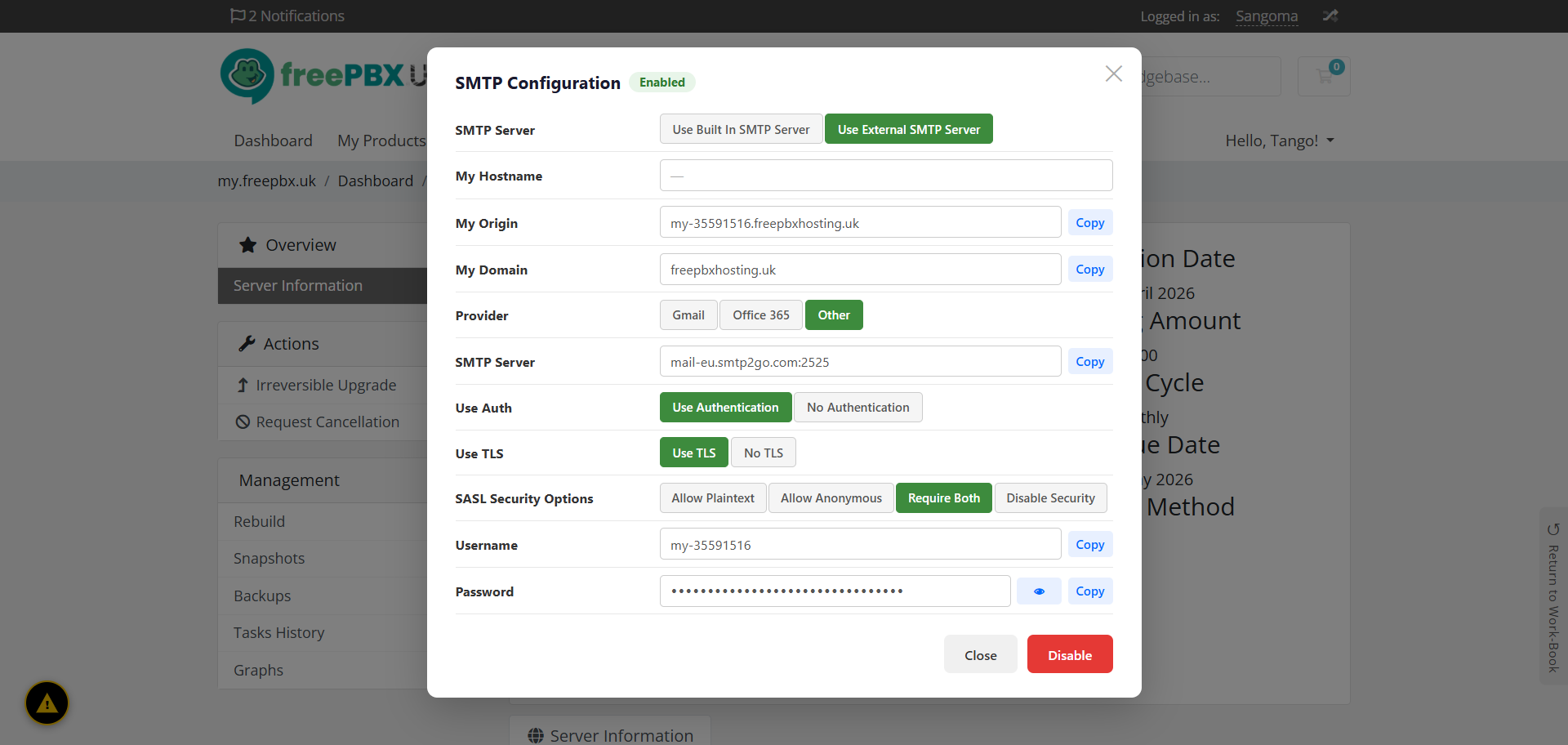
A pre-provisioned SMTP relay integration, configured during provisioning and available to toggle on or off at any time. Every instance is provisioned with a dedicated SMTP2GO account, authenticated sender domain, SPF, DKIM (double-signed), DMARC at p=REJECT, and TLS 1.3. You can enable or disable the integration from the customer portal, copy credentials, set / change the password, and validate the connection with a single click. SMTP2GO is offered as a convenience for outbound email from FreePBX (voicemail to email, fax to email, system notifications) and is not a core part of the service.

05
Browser-based SSH console for direct shell access to your instance. Provides a full terminal session in your browser, authenticated through the customer portal with no SSH key management required on your end. Useful for diagnostics, file inspection, or emergency access if the FreePBX GUI is unavailable. The console is delivered via a WebSocket proxy on a dedicated infrastructure Droplet and does not require any additional software.

06
Reinstall your instance from a curated image, directly from the customer portal. Rebuild replaces the contents of your Droplet's disk with a fresh copy of the selected image. All data on the instance is permanently lost and the operation cannot be undone. Available images are curated by FreePBX UK and limited to the current FreePBX-on-Debian base image, so a rebuild returns you to a supported, known-good state rather than a blank OS. Use Rebuild for recovery scenarios or when starting fresh. Take a snapshot first if you want to preserve your current configuration.

07
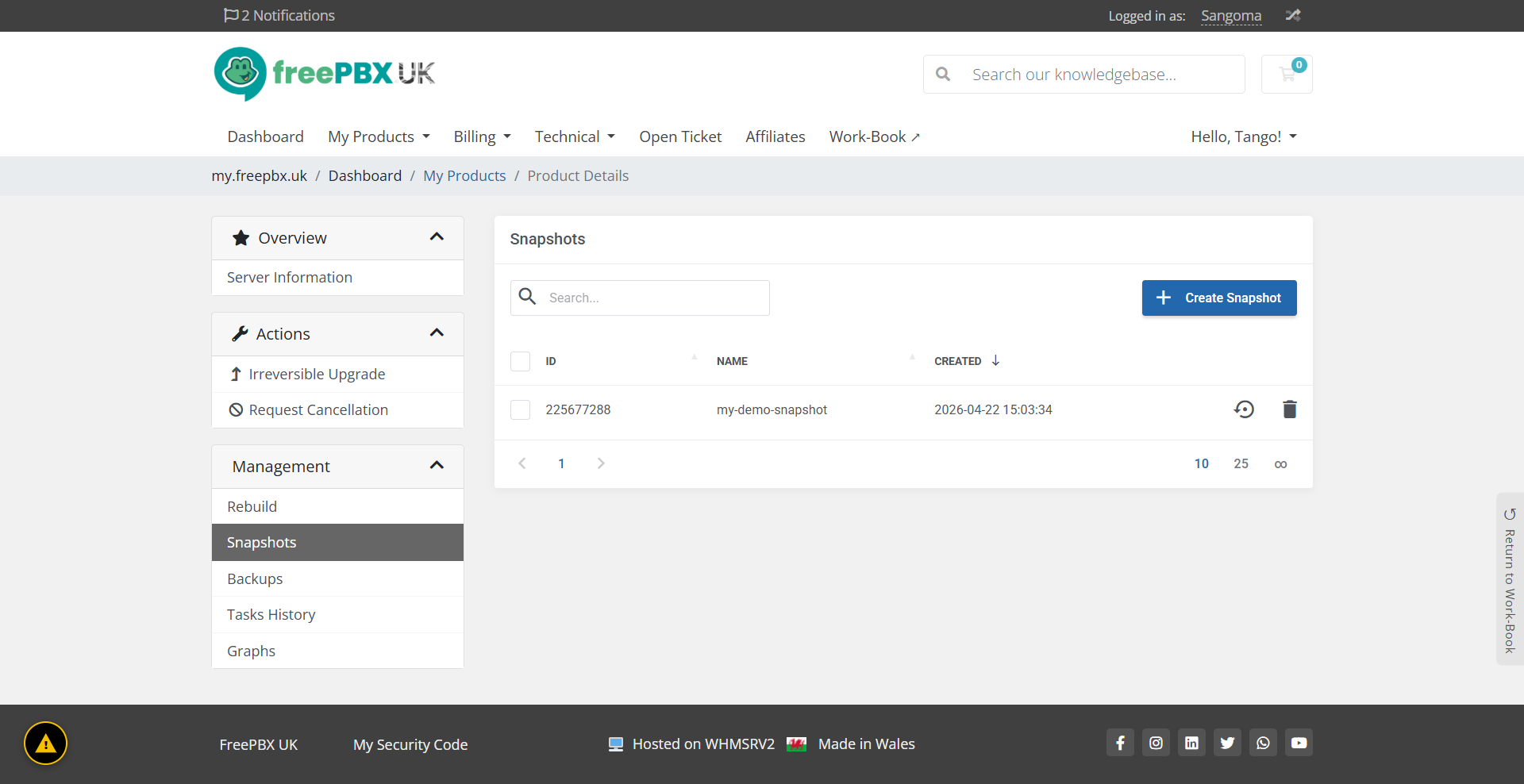
On-demand full-instance snapshots, created, restored, and deleted from the customer portal. Snapshots are point-in-time copies of your entire Droplet, covering the OS, FreePBX configuration, database, and recordings. Useful before a risky change such as a major module update or dialplan rewrite. Snapshots are stored separately from the running instance and can be used to restore in place or spin up a new Droplet. Each plan has a snapshot retention limit set by FreePBX UK; older snapshots should be deleted before creating new ones if the limit is reached. DigitalOcean charges for snapshot storage at standard rates and any charges incurred are passed through on your monthly invoice.

08

09
A chronological log of every action performed on your instance, with current progress status. Every power action, snapshot, rebuild, backup restore, and portal-initiated operation is logged with a timestamp and outcome. Data is pulled from both the customer portal and the DigitalOcean API, so long-running tasks such as snapshot creation show live progress rather than completing silently in the background. Useful for auditing, troubleshooting, and confirming that an operation finished successfully.

10
Live resource usage graphs for your instance, covering CPU, memory, load, disk, and bandwidth. Five graphs are available: CPU Usage, Memory Usage, Average Load, Disk Usage, and Bandwidth Usage. Useful for capacity planning, identifying sustained load, or confirming that an instance is appropriately sized for its workload. If graphs consistently show high utilisation across CPU or memory, consider upgrading to the next tier.